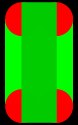
 |
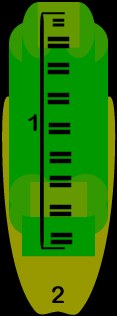
The = Sign shows
where I plan to put buttons. |
| The
"1" Shows the section which will contain most of the buttons |
| The
"2" Shows where I plan to add a special button for my Email
address |
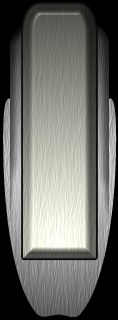
4. Finally, create buttons of your choice, and
apply them in the style you want. I like to save a separate spot on the
Interface for an email button as shown below:
src="../images/free/tut/Interface_files/iface3base.jpg" width=128>
5. Finally With some finishing touches
you can have a pretty good lookin interface! Have fun.
|



 Circle or Rectangle shape creator.